QR CARD READY
Turn a simple visiting card into a scan-ready lead tool. With BizGo, your business card with QR can open a mobile page that helps customers call, WhatsApp, and review you faster.
Get Started Free See PricingSetup time
Free plan starts at
AI chat support
Happy businesses
SMART CARD
A business card with QR gives your customers a faster way to reach you, save your details, and explore your services on mobile. For local businesses in India, that matters because most people check everything on their phone first.
Instead of handing out a card that gets lost in a drawer, you can send people to a clean BizGo page with your contact details, WhatsApp button, timings, location, and reviews. It is a simple upgrade, but it can make your card far more useful in daily sales conversations.
Customers scan once and land on your business page without searching again.
Let people message you quickly from the same page your QR opens.
WHY IT WORKS
Your QR opens a page that looks good on any phone, which is exactly how most customers in India will view it. That means no pinching, zooming, or confusion.
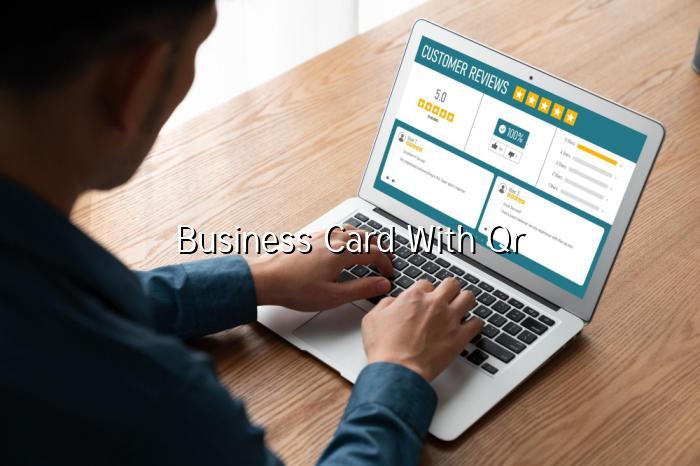
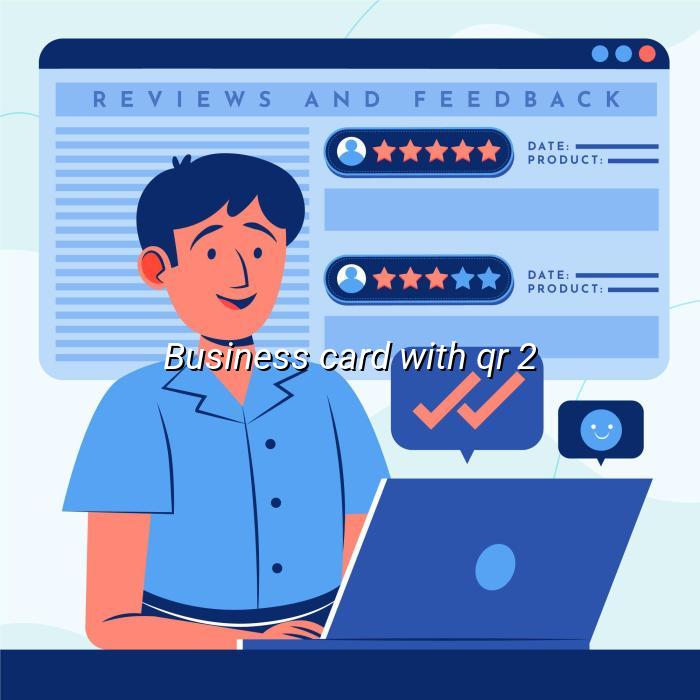
BizGo can guide happy customers toward Google reviews after they scan your card. That helps you build trust faster, especially when people compare nearby businesses.
You can print the QR on cards, posters, bills, or counter stands. One scan can take customers to your full digital profile in seconds.
Your timings, location, services, and contact options stay available even after office hours. That helps customers reach you when they are ready, not only when you are open.
Show your work, products, or menu items on the page behind the QR. This gives customers more confidence before they call or visit.
BizGo helps write your business description and page content, so you do not have to struggle with wording. That is useful for first-time website owners and busy shopkeepers alike.
HOW IT WORKS
Set up your page, get the QR, and start sharing it on your printed card or counter display.
Sign up and add your business details, services, timings, and contact options. BizGo keeps the process simple, even if this is your first digital page.
Use your unique QR code on your visiting card design, bill book, or shop poster. When customers scan it, they reach your page instantly.
Hand out the card, ask for reviews, and keep your contact details easy to access. Over time, the same QR can help you get more calls and more trust.
WHY CHOOSE BIZGO
A business card with QR is not just about looking modern. It helps you turn offline conversations into online action, which is exactly what local businesses need when every lead matters. BizGo gives you the page, the QR, and the tools to keep customers engaged after the first scan.
A QR card feels more professional and useful than a plain card. It shows that your business is easy to contact and ready for mobile customers.
Customers can call, WhatsApp, or view your details from one scan. That reduces friction and makes it easier for them to take the next step.
After a good experience, customers can be guided to leave a Google review. That helps your business build trust and stay visible in local search.
FAQ
EXPLORE MORE
Compare Free, Basic, Pro, and Premium plans to choose the right fit for your business card with QR and your growth goals.
See how a BizGo page looks on mobile before you print your QR on cards, posters, or shop displays.
Talk to the BizGo team if you want help setting up your QR card, page content, or review collection flow.
Create a BizGo page, generate your QR, and make every card more useful for customers. It is a practical way to get more calls, more WhatsApp chats, and more reviews.