AI Chat
The AI Chat overview
The front door to AI Chat. It lists every business page you own and says where each one stands, because AI Chat belongs to a page — the settings, the conversations, the leads and the trial are all that page's own.
Steps
-
Each card is one business page. The heading is the page's name, the link under it opens the public page, and the chip beside the name says how AI Chat stands there — Not enabled, Trial, Active, Included in your plan, or Expired. A second chip appears when your page has been edited since the assistant's text was written from it; it takes you to the step where you can have that text re-drafted.
-
Under it are that page's own figures: conversations this year, leads captured this month, and a line saying how long a trial has left or when the subscription renews.
-
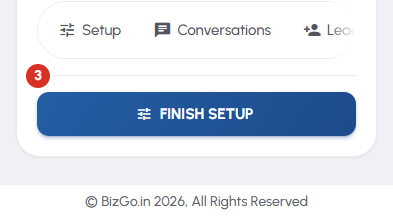
The button at the foot of a card is that page's next step, and on a page that is not live yet it is Turn on AI Chat — one tap, which writes the assistant from that page and puts it on your business page. Once the page is live the same button becomes Finish setup, then Leads when there is a new one to read, otherwise Conversations. Where the next step is a commercial one it says Buy now, Renew or Reactivate instead. Only the most urgent card carries the filled button; every other card offers the same action in outline.
-
Every card carries a row of small links to that page's other screens, and the three-dot button in the top corner opens the same list in full: Overview, Setup, Conversations, Leads, Usage, and Buy / Renew on a page that has something to buy. The row scrolls sideways and the menu does not, which is the only difference between them.
-
The tiles across the top add every page together. Once you own more than a few pages a Sort row appears — Recently added, By status, By usage — which changes the order and nothing else.


