Business page
Feedback
What customers wrote in the private feedback box on your public page. Read it, follow it up on WhatsApp, and choose which entries appear on the page as testimonials.
Steps
-
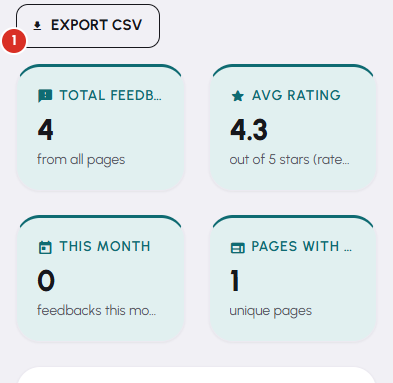
The tiles across the top give you Total feedbacks, Avg rating, how many arrived This month, and how many of your pages have any. Star distribution and Avg rating over time sit underneath.
-
Narrow the list with Search, Page, Rating and Status. Status is the one you will use most: Unhandled is your to-do list.
-
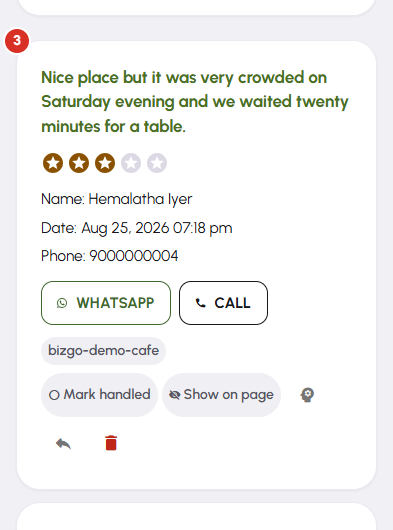
Each card carries the stars, the name, the phone number and what was written. WhatsApp and Call open your own apps with that number ready — you write and send the message yourself.
-
Press Mark handled once you have dealt with someone, so the entry drops out of your Unhandled list and stops nagging you.
-
Show on page turns a piece of feedback into a testimonial on your public page. Press it again to take it down. Export CSV in the header takes the whole filtered list into a spreadsheet.


