IN DEPTH
Why Software View Matters for Local Business Growth in India
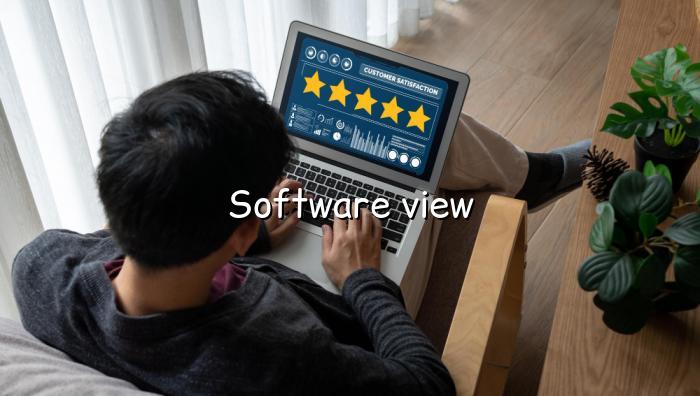
Software view is more than a preview screen. It is the practical lens through which a business owner can understand how a digital business page will look, feel, and perform for real customers. For local businesses in India, that matters because most enquiries now begin on a mobile phone, often during a quick search or a forwarded WhatsApp message. If the page is confusing, slow, or incomplete, the customer moves on. If it is clear and trustworthy, the next step becomes much easier.
BizGo is built around that reality. Instead of forcing owners to stitch together a website, review tool, and contact flow from different services, it brings the essentials into one simple page. That makes the software view useful not only for setup, but also for decision-making. You can see how the business will present itself before you start sharing the link widely.
How a Digital Business Page Changes the First Impression
A digital business page gives customers a fast answer to the questions they already have: what you do, where you are, when you are open, and how they can contact you. That is especially important for Indian local businesses that depend on quick trust, such as salons, clinics, restaurants, electricians, and repair services. When the software view shows all of this in one place, the owner can spot gaps before customers do. Maybe the timings are missing, the photos are weak, or the WhatsApp button is buried too low.
Those small details matter more than many owners expect. A clean layout can reduce calls asking for basic information and can increase the chance that a visitor becomes an enquiry. In simple terms, the software view helps you check whether your page is doing its job: making the business easy to understand and easy to contact.
Why Reviews, WhatsApp, and AI Chat Work Better Together
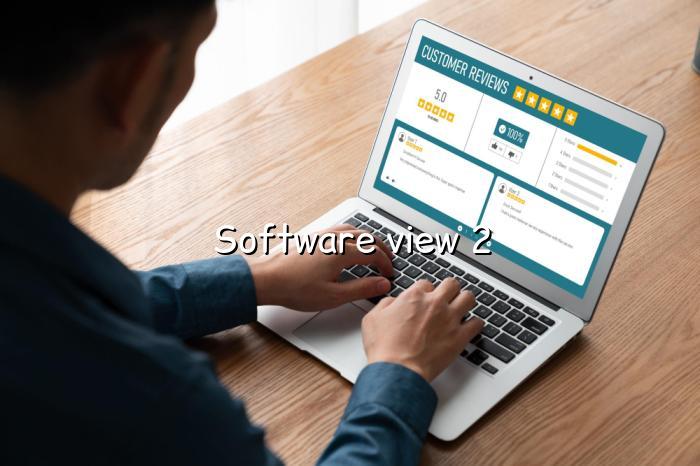
Many businesses use separate tools for reviews, messaging, and customer support, and that often creates friction. One tool collects feedback, another handles chat, and a third hosts the page. BizGo keeps these pieces connected, so the software view reflects a smoother customer journey. A visitor can read about your business, tap WhatsApp, and leave a review without feeling lost.
This is where the platform feels especially useful for local business owners who want more visibility without more complexity. The AI chat assistant can answer common questions at any hour, while the review tool nudges happy customers to share feedback on Google. That combination helps the business stay responsive even when the owner is busy serving customers offline.
Practical Next Steps for Indian Business Owners
If you are comparing options, start by checking whether the page is mobile-friendly, easy to update, and simple to share on WhatsApp. Then look at whether it supports the basics that matter locally: services, timings, location, gallery, contact buttons, and review collection. For many owners, that is more useful than a large website with pages they will never use. The right software view should make the business feel ready for real customers, not just look good in a demo.
BizGo keeps the process straightforward with plans that fit different stages of growth, from Free to Premium. If you want a quick start, the platform lets you create a page, test the flow, and begin sharing it without a long setup cycle. That is often the difference between an idea sitting idle and a business page actually bringing in enquiries.