Account & tools
Free Tools
Every BizGo tool, listed and searchable, running inside your dashboard. Most of them are free for ever and cost nothing; only the ones that generate something or call an outside service draw an AI credit.
Steps
-
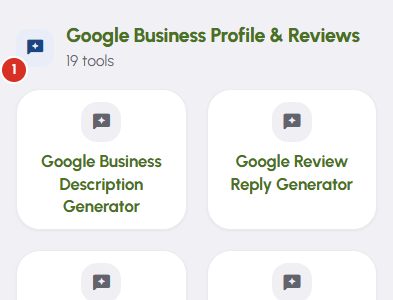
The tools are grouped by what they do — calculators, QR codes, image and text helpers, festival posters, and the rest. Press any card and the tool opens here, inside BizGo. Nothing sends you out to the public site and nothing asks you to sign in again.
-
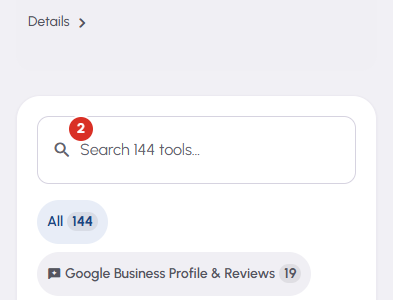
Search tools, above the list, is the quicker way in. Type two or three letters and the groups give way to one ranked list, closest match first. The chips beside it — All, then one per category — narrow the same list without typing.
-
Most of these tools cost you nothing, however often you run them, and there is no allowance behind them to run down. More than half never reach BizGo's servers at all: they do their work inside your browser. Only the tools that generate text or images, or ask an outside service a question, draw a credit.
-
The strip above the search box is your credit meter. It counts what has been used today across every business page on your account, so the figure is the whole account's rather than one page's. Details, at its right, opens the full breakdown. It sits here, before you choose anything, so a limit is never first heard about at the moment it stops you.
-
On a phone each category shows its first few tools and then a Show all chip. Nothing is being hidden — that chip carries the exact remaining count, and the category chips at the top of the screen reach the same list.


