AI Chat
Captured leads
Every name, phone number and email the assistant got out of a conversation on this page, and whether each one reached your contact book. This is the list AI Chat is bought for.
Steps
-
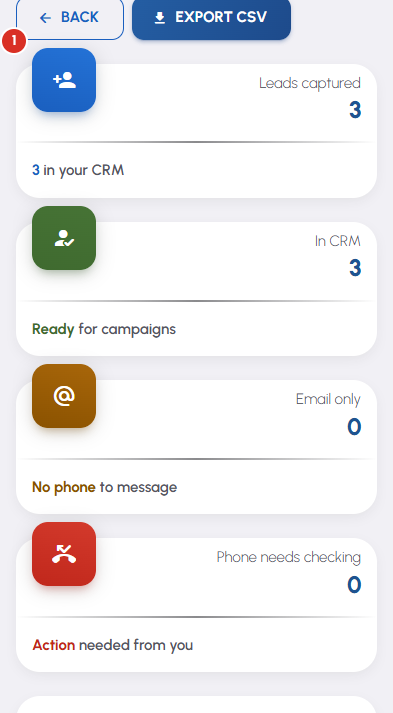
The tiles across the top count what this page has captured and where it landed: Leads captured, In CRM, Email only, and Phone needs checking.
-
A lead whose number reads as a ten-digit Indian mobile is added to this page's contacts by itself and tagged ai-chat. That is the same page-scoped contact book the Review Engine uses, so the person can go straight into a review campaign or a reactivation batch.
-
The CRM status column says what happened to each lead, and the panel above the table explains every status in full whenever something did not make it through. The chips under it filter the table — Not in CRM is the one worth pressing.
-
A row marked Phone needs checking shows exactly what the visitor typed. Press Edit number & promote beneath it, correct the number and press Save & promote — it is checked again by the same rule and saved to your contacts if it passes.
-
Export CSV downloads the whole list, or just the filtered set when a chip is active. The speech-bubble button at the end of a row opens the conversation the lead came from.


