← All help topics

Review Engine

This page's contacts

The contact book for one business page. Everyone in it can be enrolled in a review campaign or swept into a reactivation batch, and none of it is shared with your other pages.

தமிழில் படிக்க

Steps

  1. Add Contact opens one dialog with two halves. The top half adds a single person — Name, Phone, and optional Tags. The bottom half takes a CSV, either a file you choose or rows you paste.
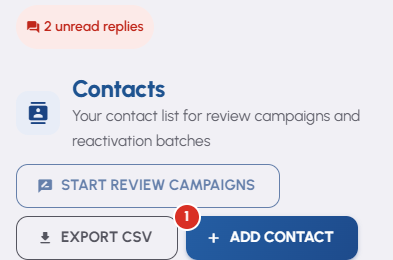
    This page's contacts — 1
  2. A CSV wants Name, Phone and Tags columns, and a header row is spotted for you. You see a preview of the first few rows before importing, and afterwards a per-row report saying what was added, updated or refused.

  3. Search by name, phone or tag above the table, or narrow it with Filter by tag. Export CSV downloads whatever the current search and filter are showing.

  4. Tick the people you want and press Start review campaigns. You get a preview first — who is eligible, who is skipped and why, and how many campaigns it will use — before anything is enrolled.
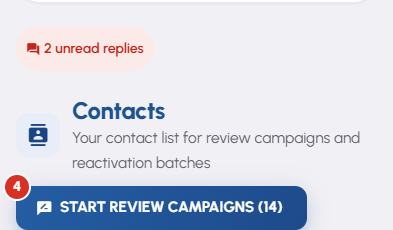
    This page's contacts — 4
  5. The pencil on a row opens Edit Contact. It carries the Opted out of messages switch and, kept separate below it, They asked me to stop.

Questions

Use They asked me to stop on their row. Their live campaign ends, their queued messages are cancelled, and that number is silenced across the whole of BizGo — not only on this page, and not only on your account. Every other business on the platform stops messaging them too. It is permanent and it cannot be undone from this screen. That is on purpose: 'stop messaging me' is a promise made to a person, not to one business.

That one records your own decision to leave somebody out, and you can turn it back off. They asked me to stop records the customer's own instruction, which is a much stronger thing — clearing one of those asks you to confirm first.

No. A contact belongs to one page. The same phone number can sit on two of your pages as two separate contacts with their own tags. Switching pages switches the whole book, along with that page's credits and settings.

An import matches on the phone number within this page, so the second row updates the first rather than creating a duplicate. The results table tells you which rows were added and which were updated.

A contact who has opted out is dimmed and cannot be selected, on this screen and on Reactivation. Nothing you do here puts them back into a campaign.

Related

Three Products, One Dashboard

Your page, your plan. The Review Engine and AI Chat come with Pro and Premium — manage every page from one dashboard.

Digital Business Page

Your whole business on one shareable link — logo, services, timings, location and contact. Live in minutes.

Learn more →

Review Engine

Runs a WhatsApp follow-up campaign for every customer you serve, until they leave you a Google review.

Learn more →

AI Chat

Answers your visitors 24/7, captures their name and phone, and drops every lead into your CRM.

Learn more →
WhatsApp